Readings
About this chapter
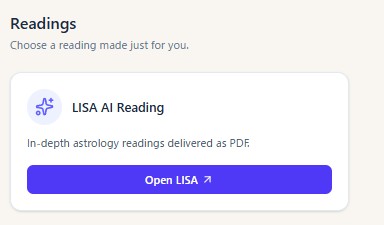
This chapter covers the Readings page — the hub for the reading services — which opens from the Readings button in the header.
The readings hub
Steps
- Once you are logged in, a gold Readings button appears in the header. Pressing it opens the Readings screen.

- Choose the service you want from the product cards.
Notes
- LISA AI Reading: Open LISA opens a reading by LISA, the AI astrologer (an external service, in a new tab).
- The Readings button is shown to logged-in members.